



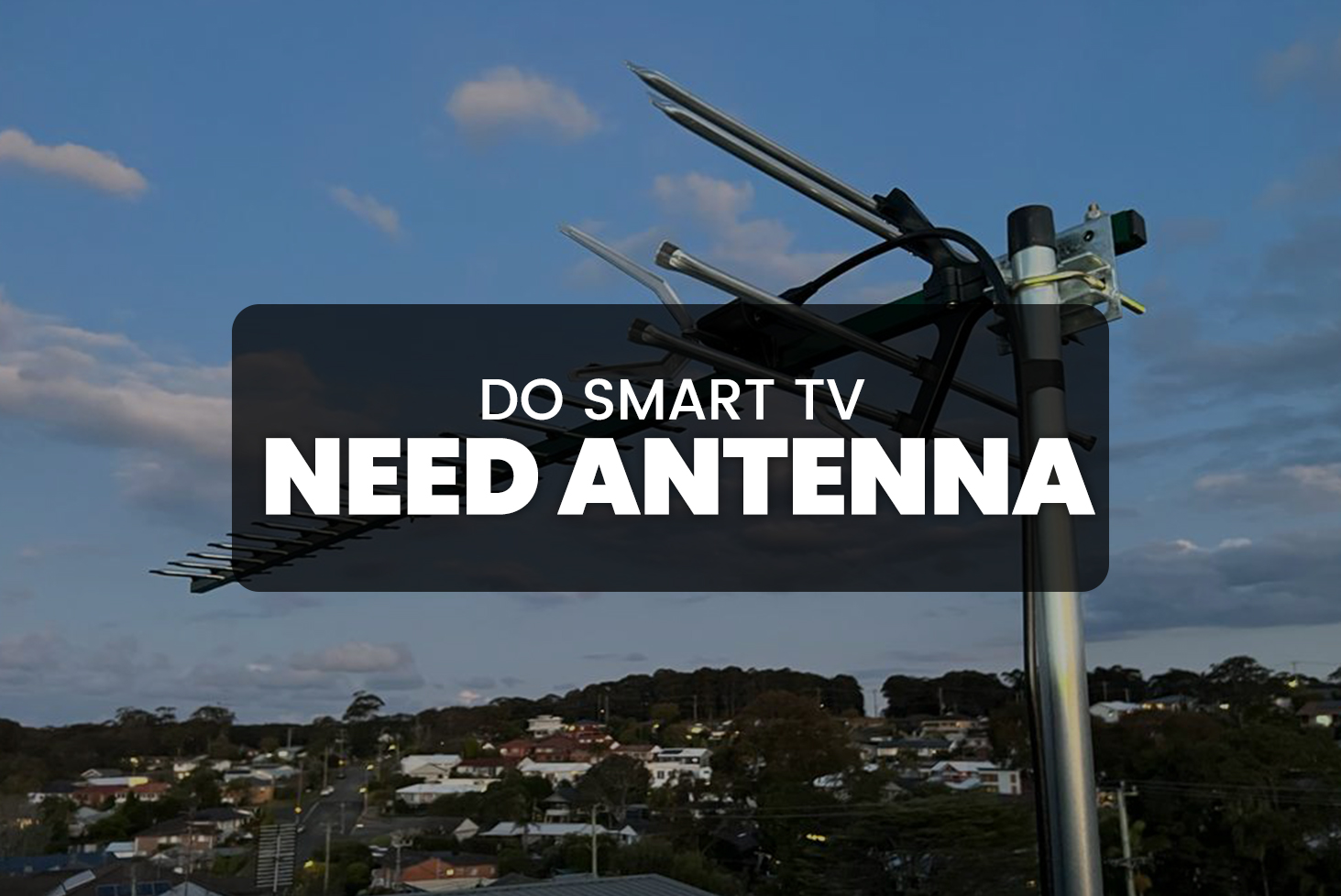
In today’s digital age, TV antennas are making a strong comeback, and it’s easy to see why. Watching TV for free using an antenna is a cost-effective way to enjoy your favorite shows without the need for expensive cable or satellite subscriptions. In this guide, we’ll walk you through the process of setting up an antenna, what you need to know about over-the-air (OTA) broadcasting, and how to make the most of this free entertainment source.
What is Over-the-Air (OTA) TV?
Over-the-air (OTA) TV refers to television signals that are broadcasted over the airwaves, rather than transmitted through cables or satellite signals. These signals are picked up by an antenna, which allows you to access free content without any monthly fees. The key benefit of using an antenna for TV reception is that it gives you access to local channels, including major networks like ABC, CBS, NBC, and FOX, along with various regional and specialty stations.
Why Should You Use an Antenna?
- Free Entertainment: No cable subscription or satellite plan required.
- Access to Local Channels: Watch local channels in high-definition (HD) for free.
- No Contracts or Hidden Fees: No long-term commitments or unexpected charges.
- Better Picture Quality: Enjoy superior quality, especially in areas with strong signals.
How to Set Up Your Antenna
Step 1: Choose the Right Antenna
- Indoor Antennas: Best for locations near broadcast towers.
- Outdoor Antennas: Ideal for homes farther away from towers.
- Smart Antennas: Automatically adjust for optimal signal strength.
Step 2: Find the Best Location
- Positioning: Place near windows or higher locations in your home.
- Test Locations: Move the antenna around to find the best signal spot.
- Avoid Obstructions: Keep away from large furniture, walls, or appliances.
Step 3: Scan for Channels
- Use your TV’s built-in scanning tool to search for available channels.
- The scan process usually takes a few minutes and will list all available channels.
Step 4: Adjust the Antenna
- If some channels are weak or pixelated, slightly adjust the antenna’s angle or position.
- Small adjustments can make a big difference in signal quality.
Step 5: Enjoy Free TV
- Once setup is complete, enjoy free HD TV without any subscription fees.
Factors That Affect TV Reception
- Distance from Broadcast Towers: Farther distance may affect signal strength.
- Obstructions: Buildings, trees, and hills can block signals.
- Weather Conditions: Rain or storms can cause temporary disruptions.
Frequently Asked Questions (FAQs)
1. What Channels Can I Get with an Antenna?
You can access local channels like ABC, NBC, CBS, FOX, PBS, and more. The number of channels depends on your location and signal strength.
2. How Much Does an Antenna Cost?
Antennas can range from $10 for basic models to over $100 for advanced options.
3. Do I Need an Antenna for Each TV in My House?
Yes, unless you use a splitter or signal booster to share one antenna across multiple TVs.
4. Can I Watch HD Channels with an Antenna?
Yes, most modern antennas support HD channels for free. Ensure your TV supports HD to benefit from the improved quality.
5. What Should I Do If the Signal is Weak?
Try moving the antenna higher, closer to a window, or use an amplifier to boost the signal.
Conclusion
Watching TV with an antenna is a fantastic way to enjoy free entertainment without paying for expensive cable or satellite services. By choosing the right antenna, positioning it correctly, and scanning for available channels, you can easily access local broadcast channels in high definition. Whether you’re looking to cut costs or enjoy more TV options, antennas provide a simple, affordable, and effective solution.